Digital templates, one-time purchase
Make the feed look like one studio made it.
Social kits, thumbnail templates and background packs for people who make things. Pay once, download the files, and restyle them with your own words and pictures.
- 16
- packs
- 3
- collections
- 1
- payment each
- Feed postsquotes and announcements
- Carouselsswipe-through slides
- Storiespolls, tips and questions
- Video thumbnailsbold titles
- Podcast coversshow art
- Channel bannerswith safe areas
- Backgroundsgradients and textures
- Vector shapesrecolor freely
Three collections
Start from what you are making.
6 packs
Social Media Kits
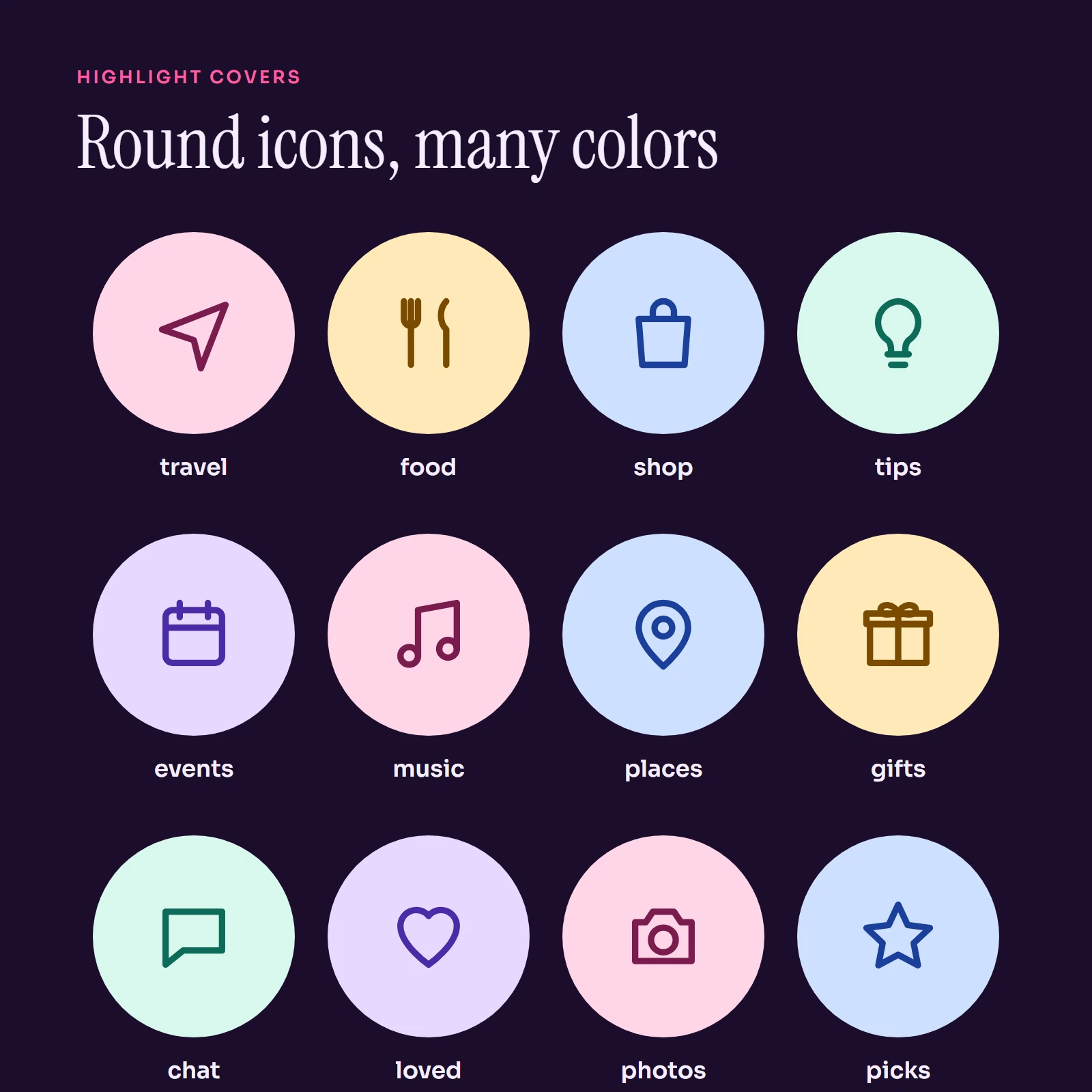
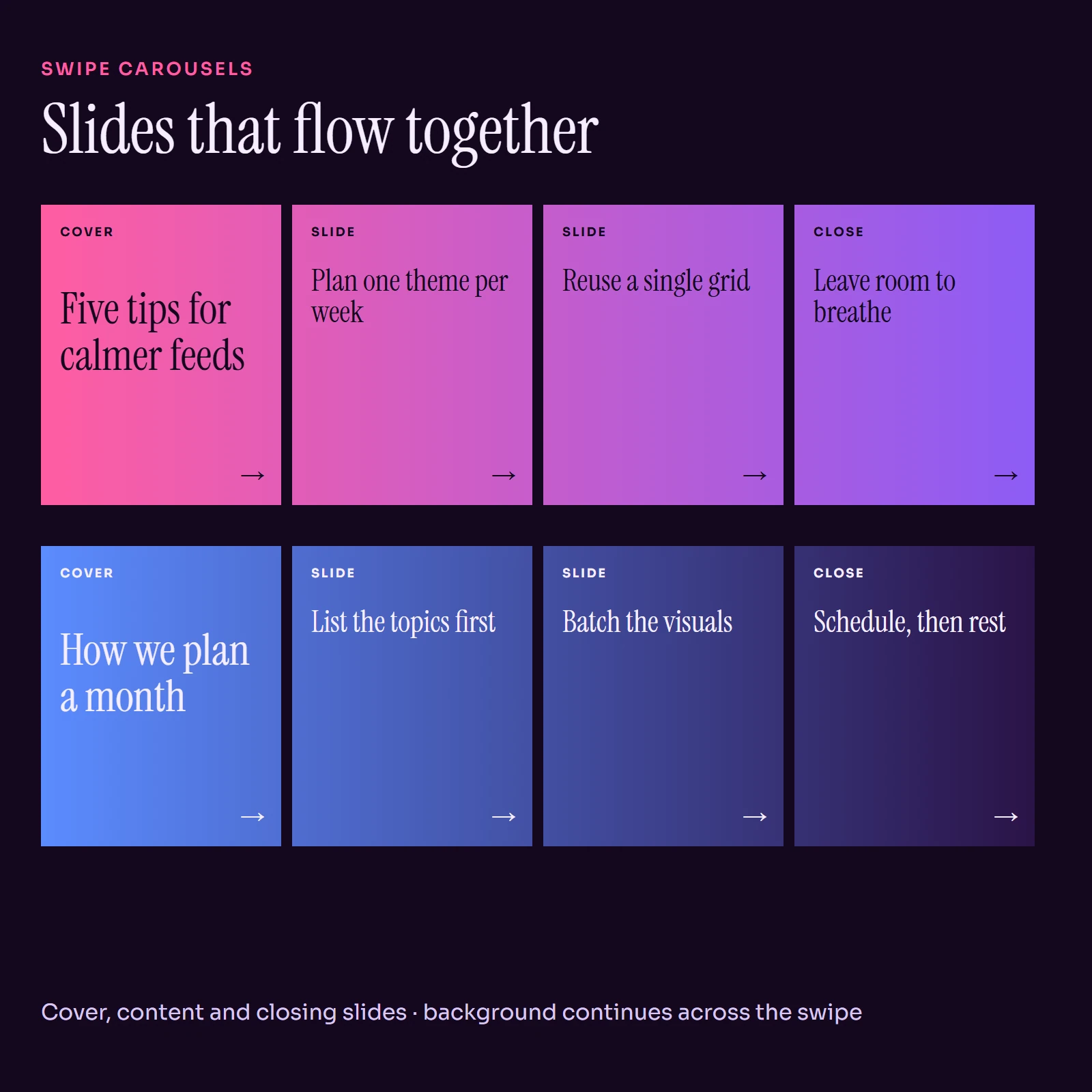
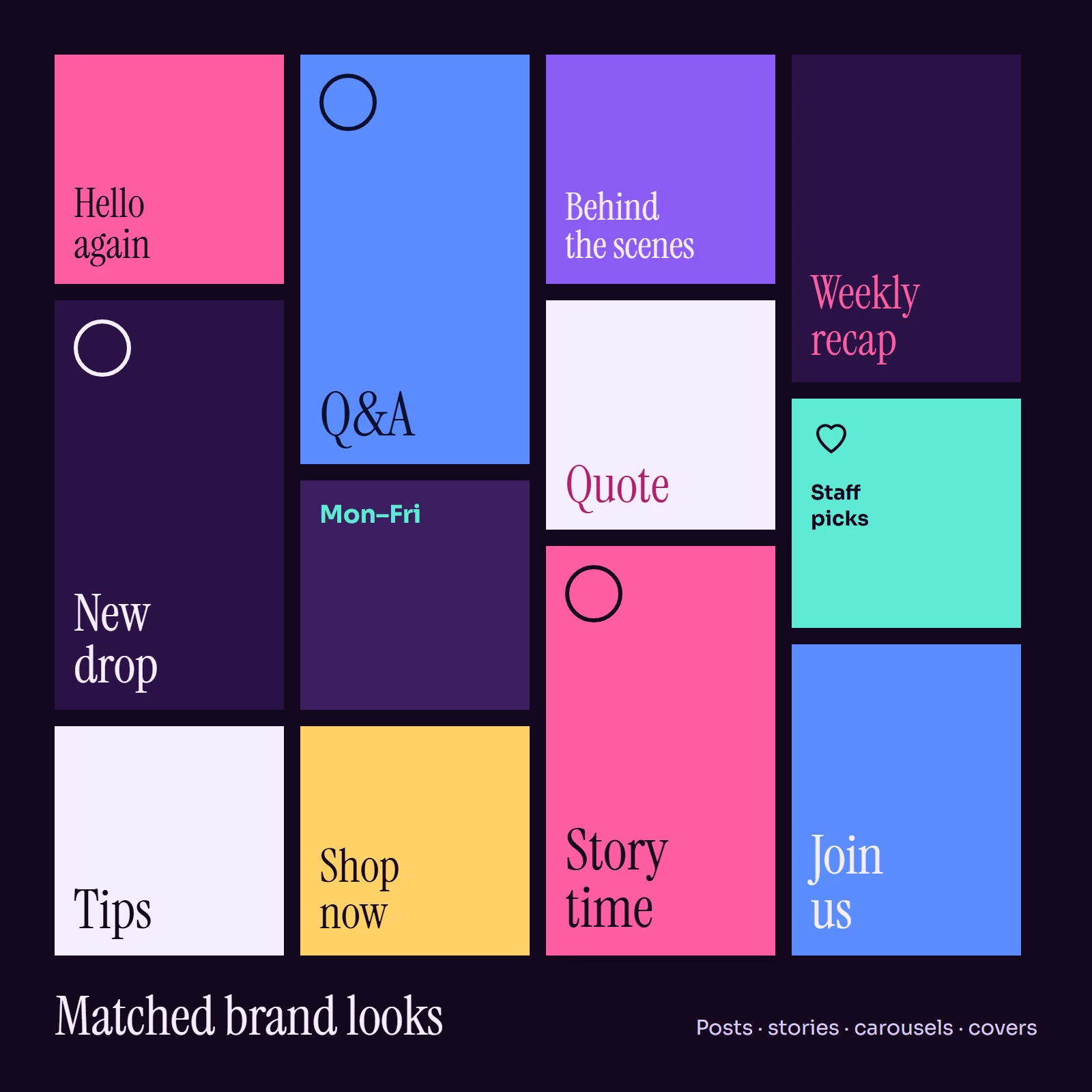
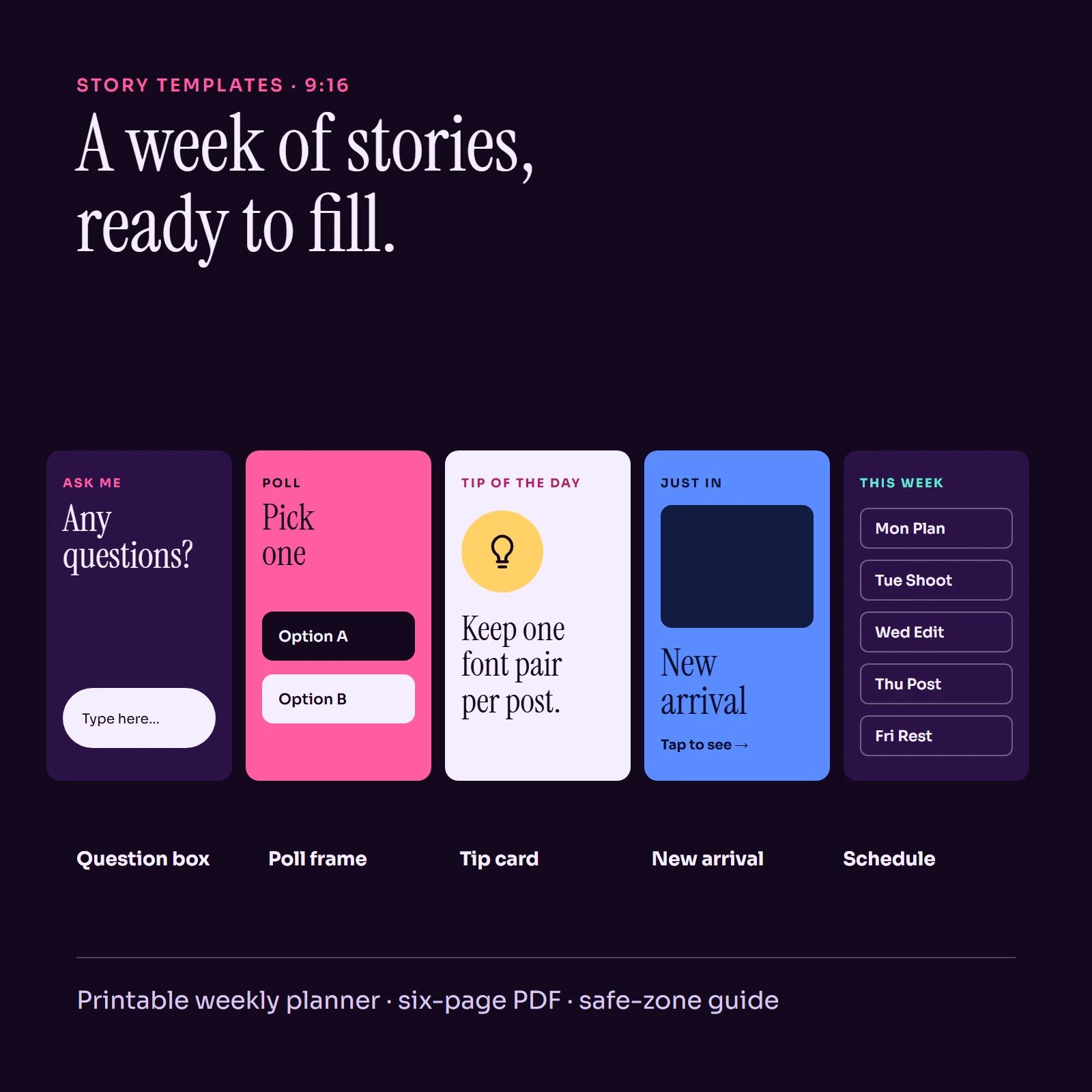
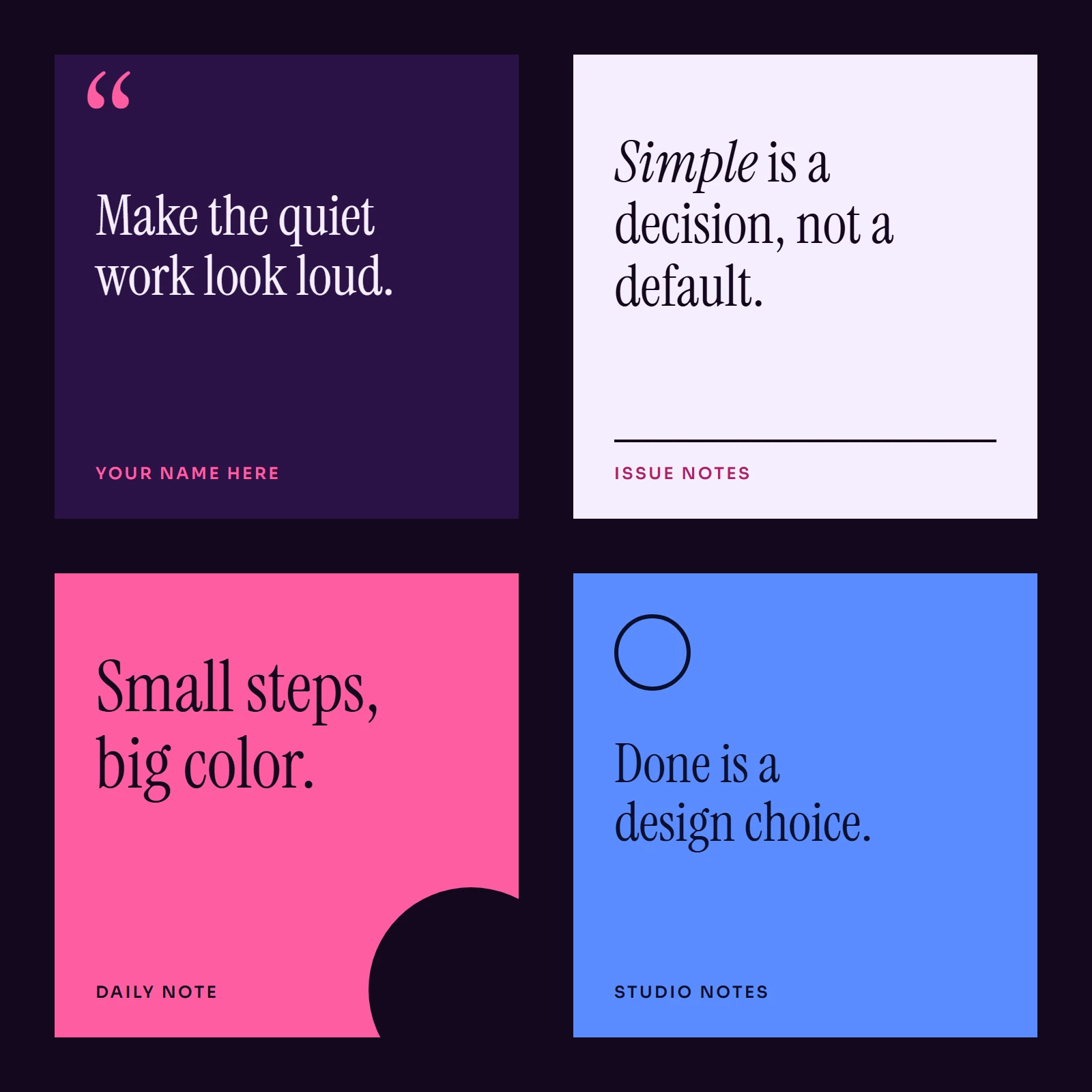
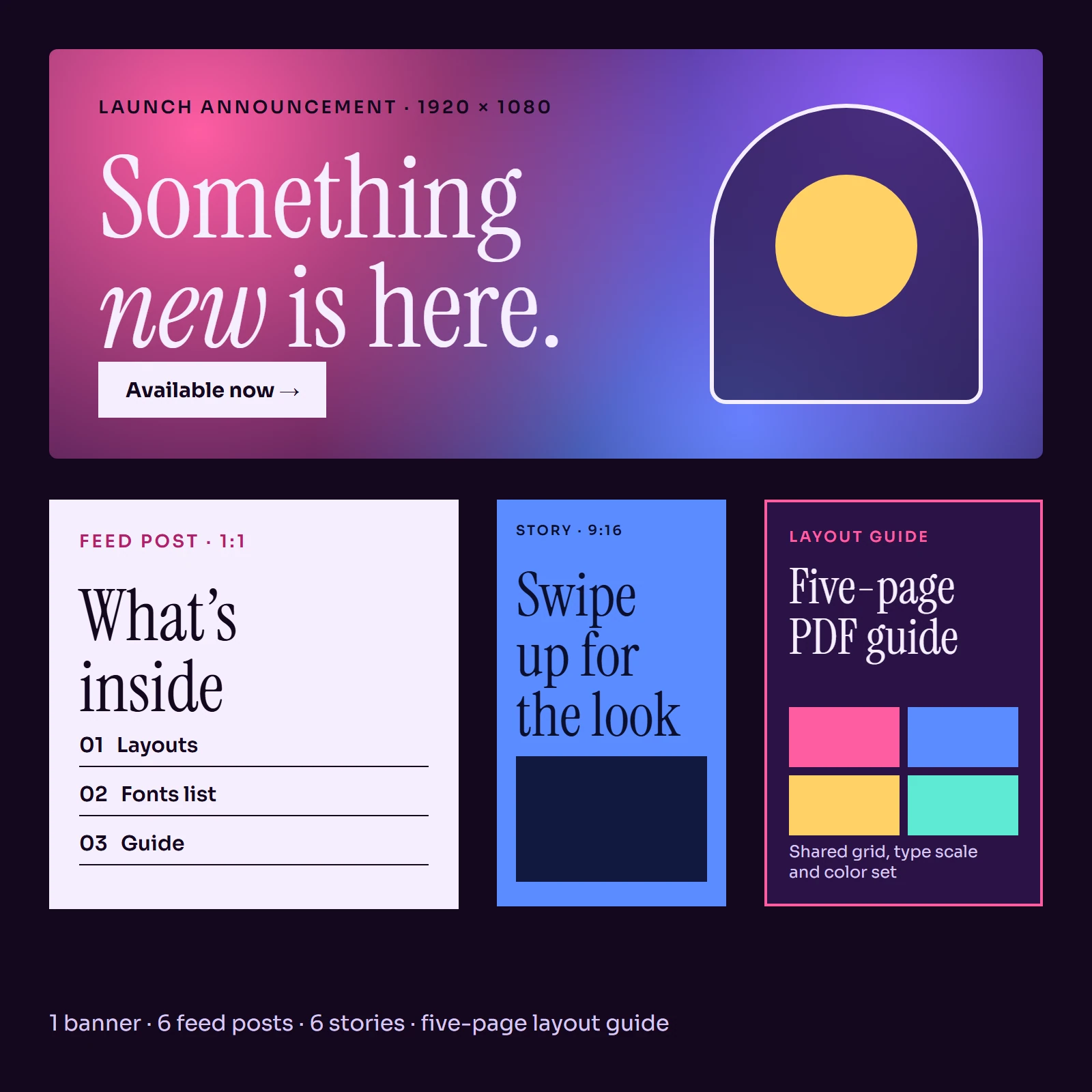
Feed posts, story layouts, carousels and highlight covers, ready to restyle with your own words and colors.
See the collection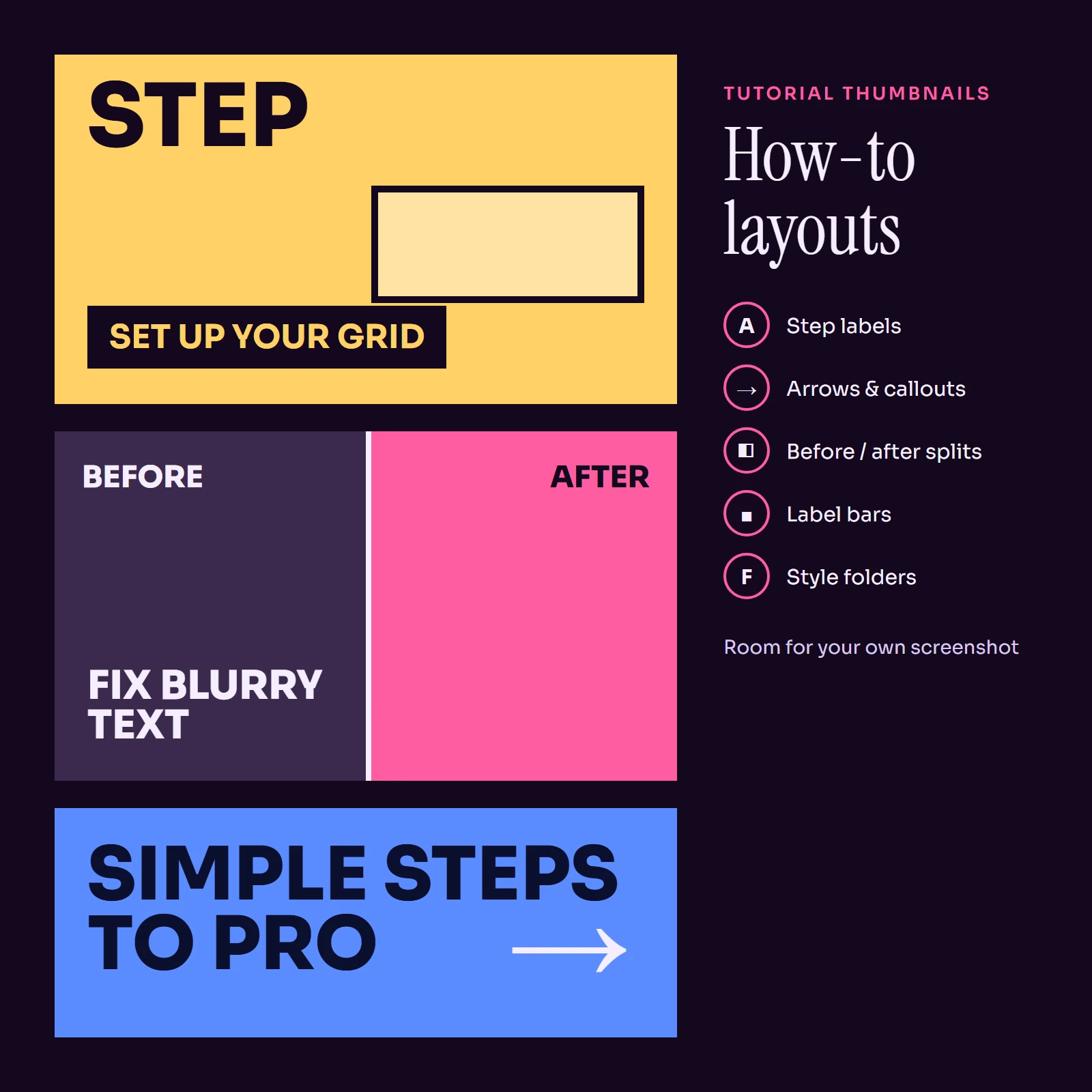
5 packs
Thumbnail & Cover Templates
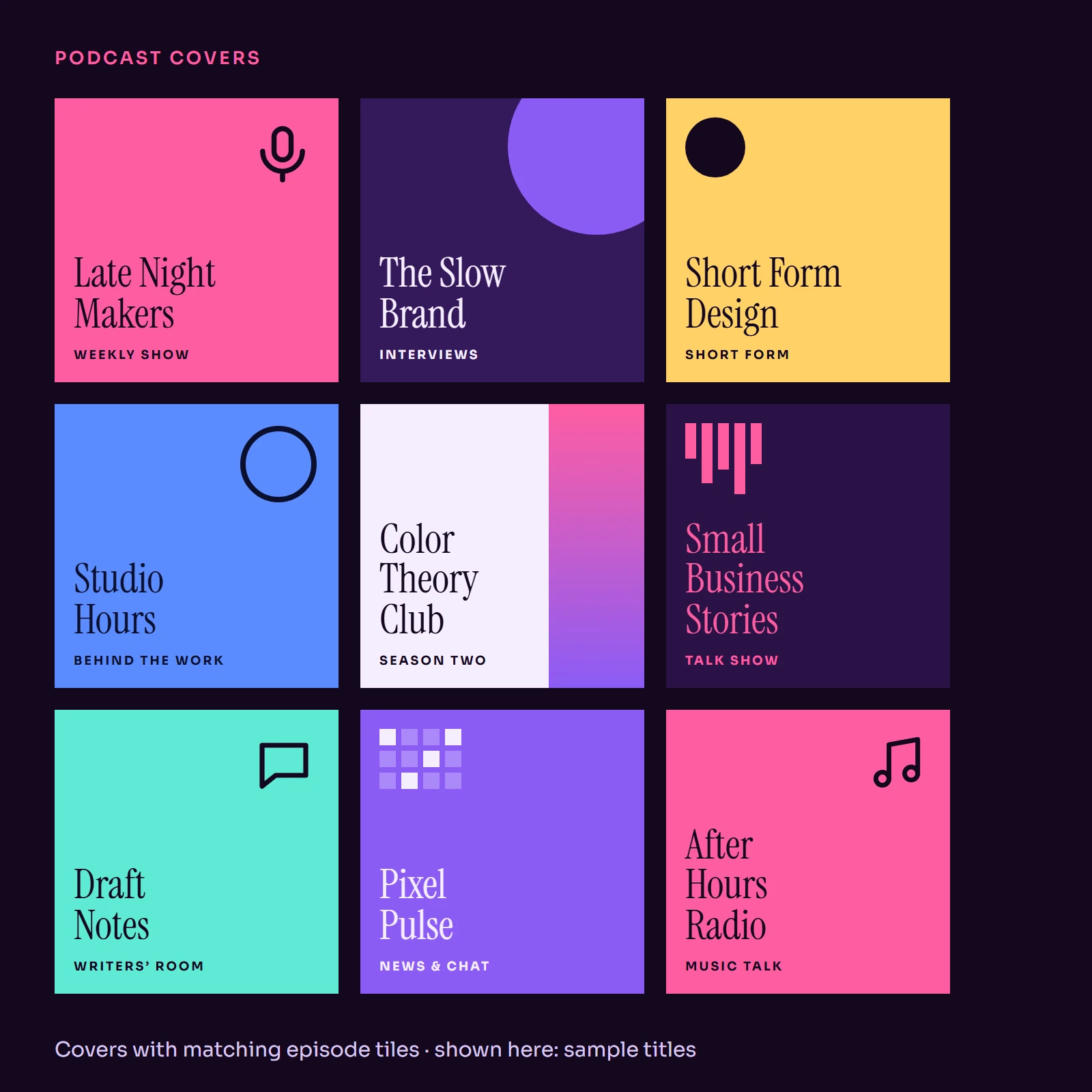
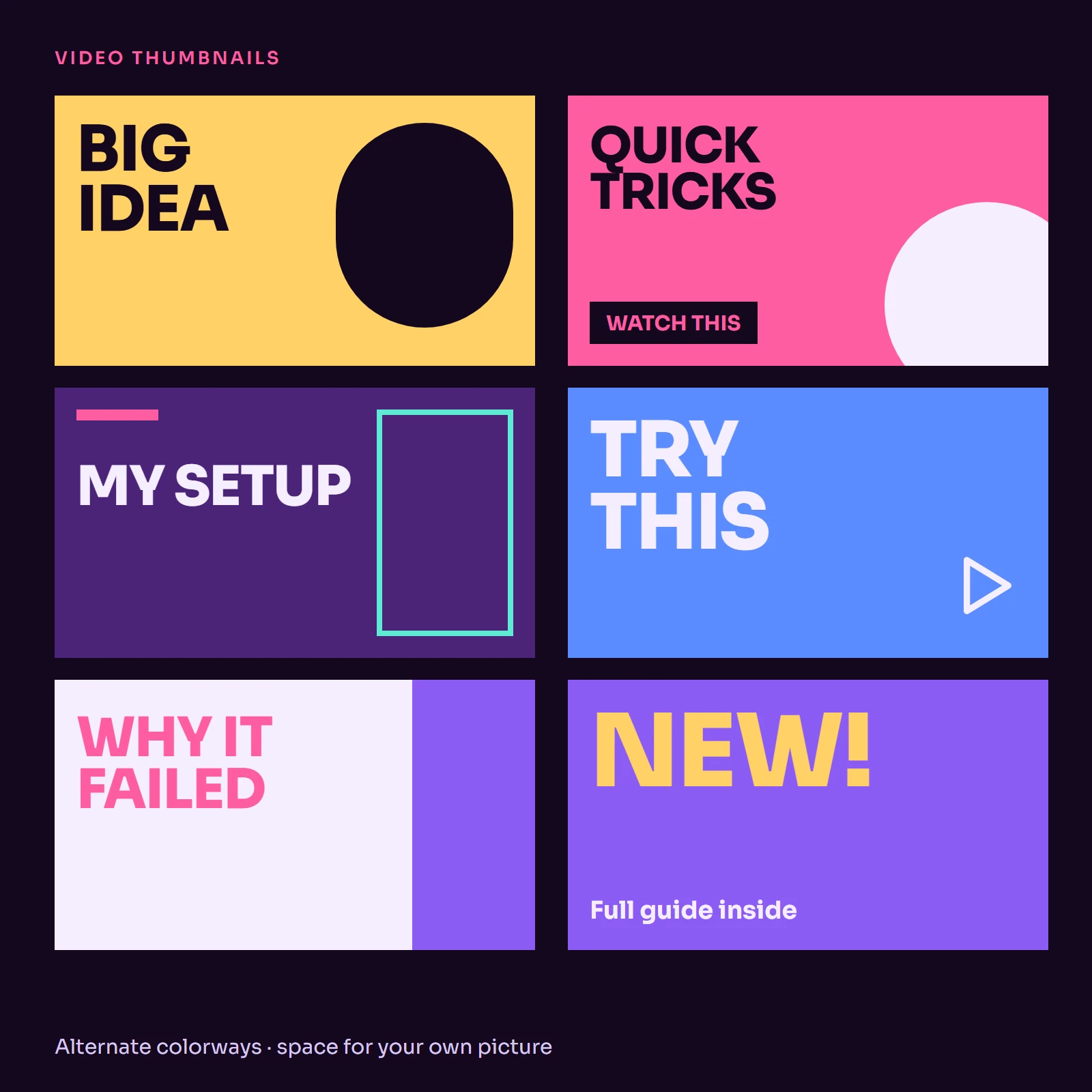
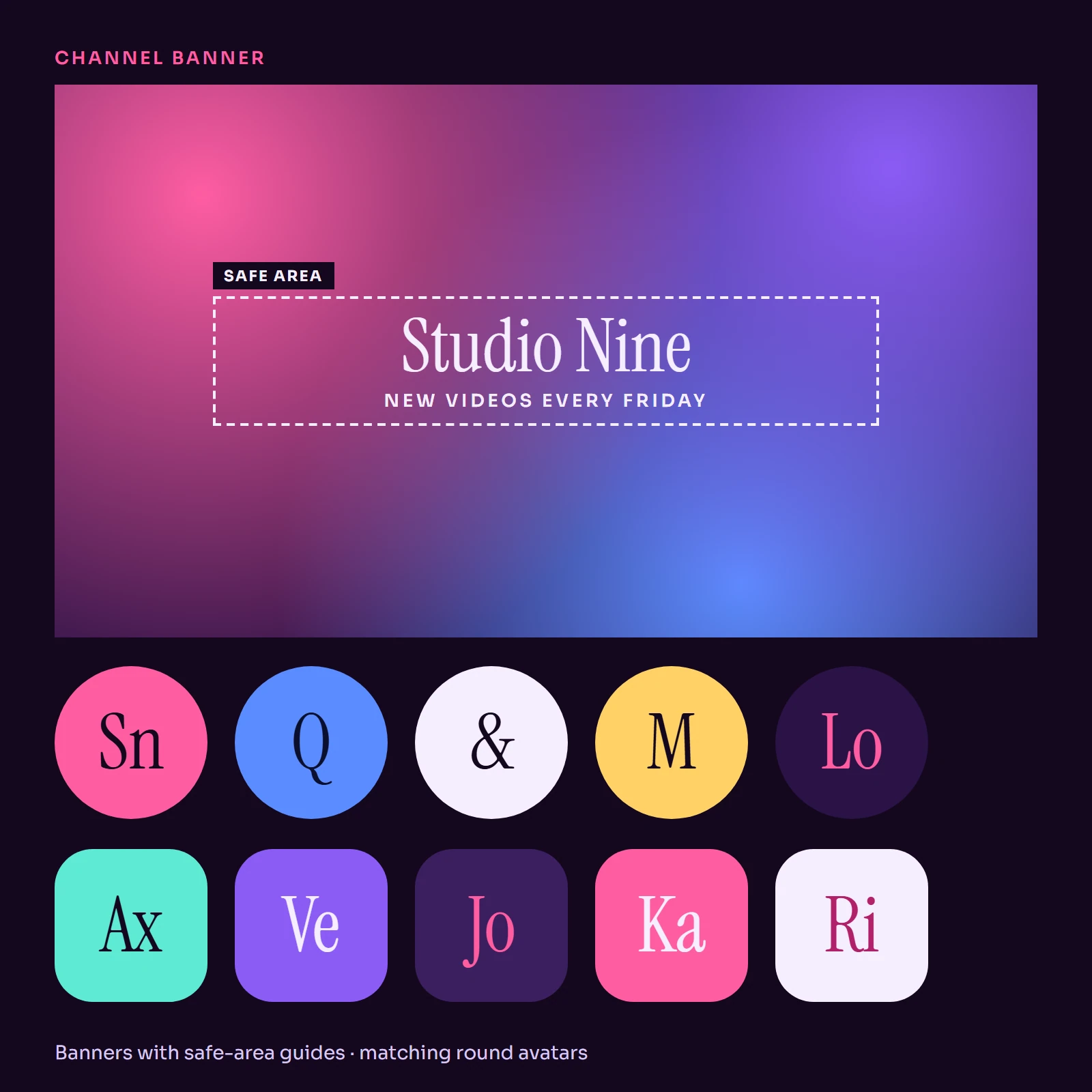
Video thumbnails, podcast cover art and channel banners laid out for the places platforms show them.
See the collection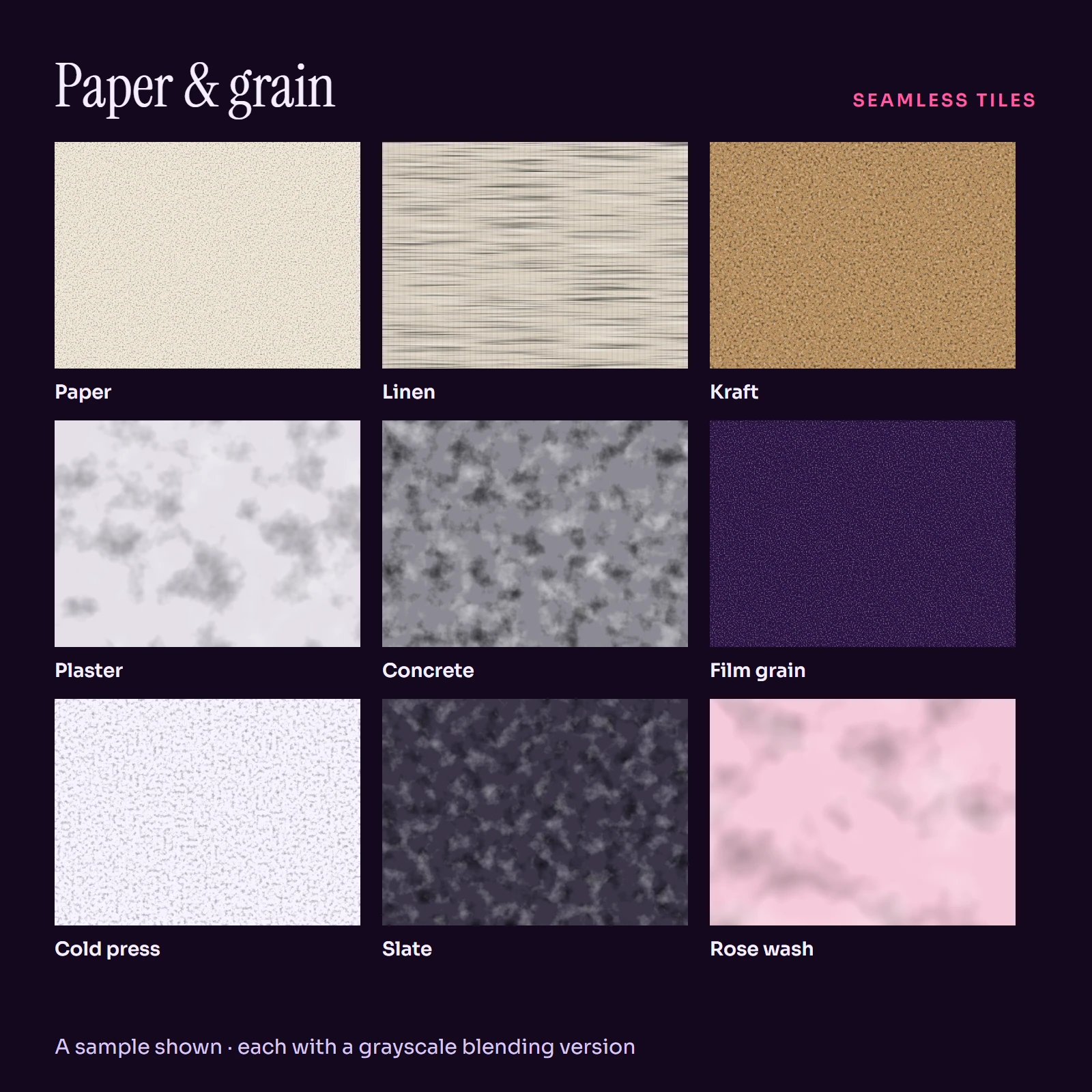
5 packs
Background & Graphic Packs
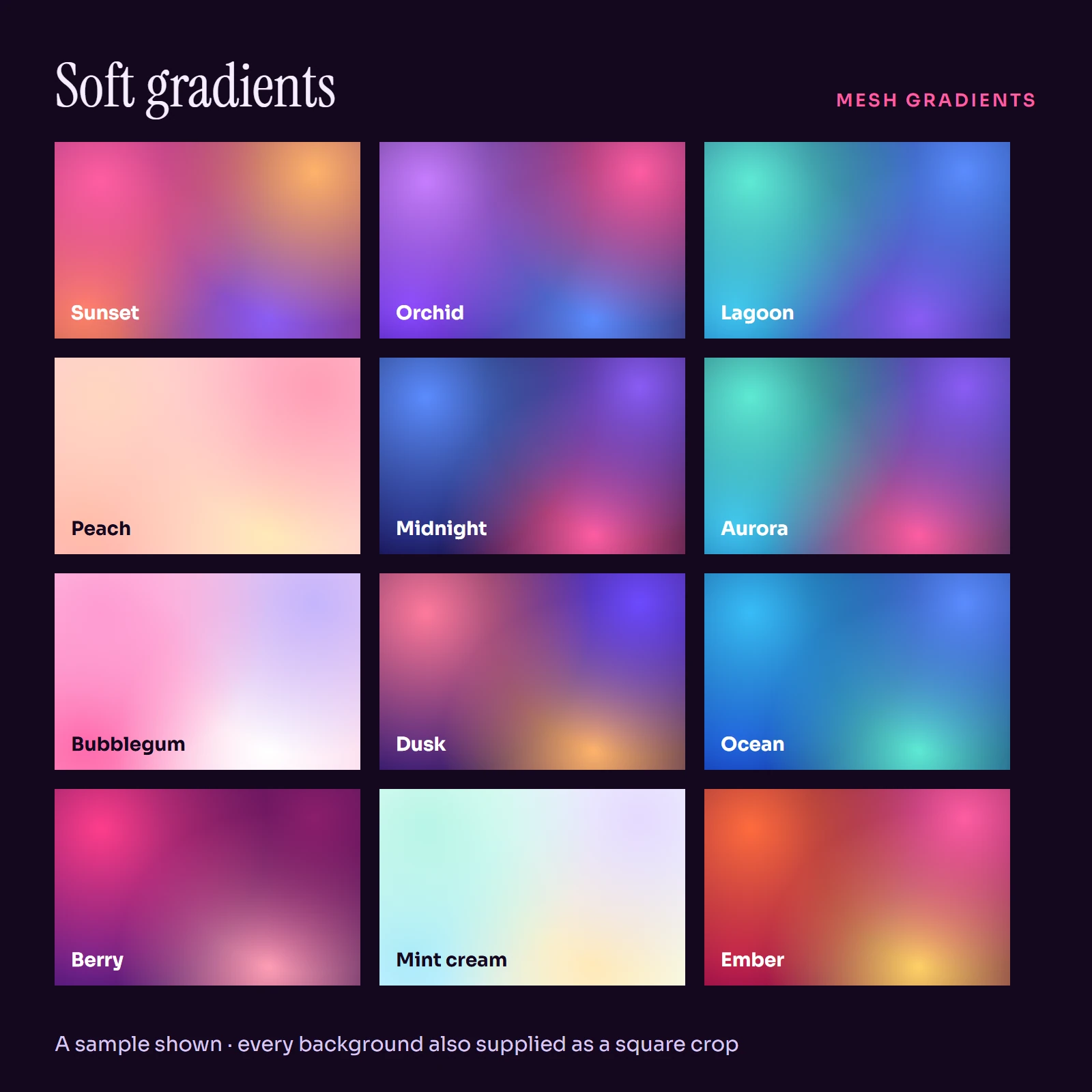
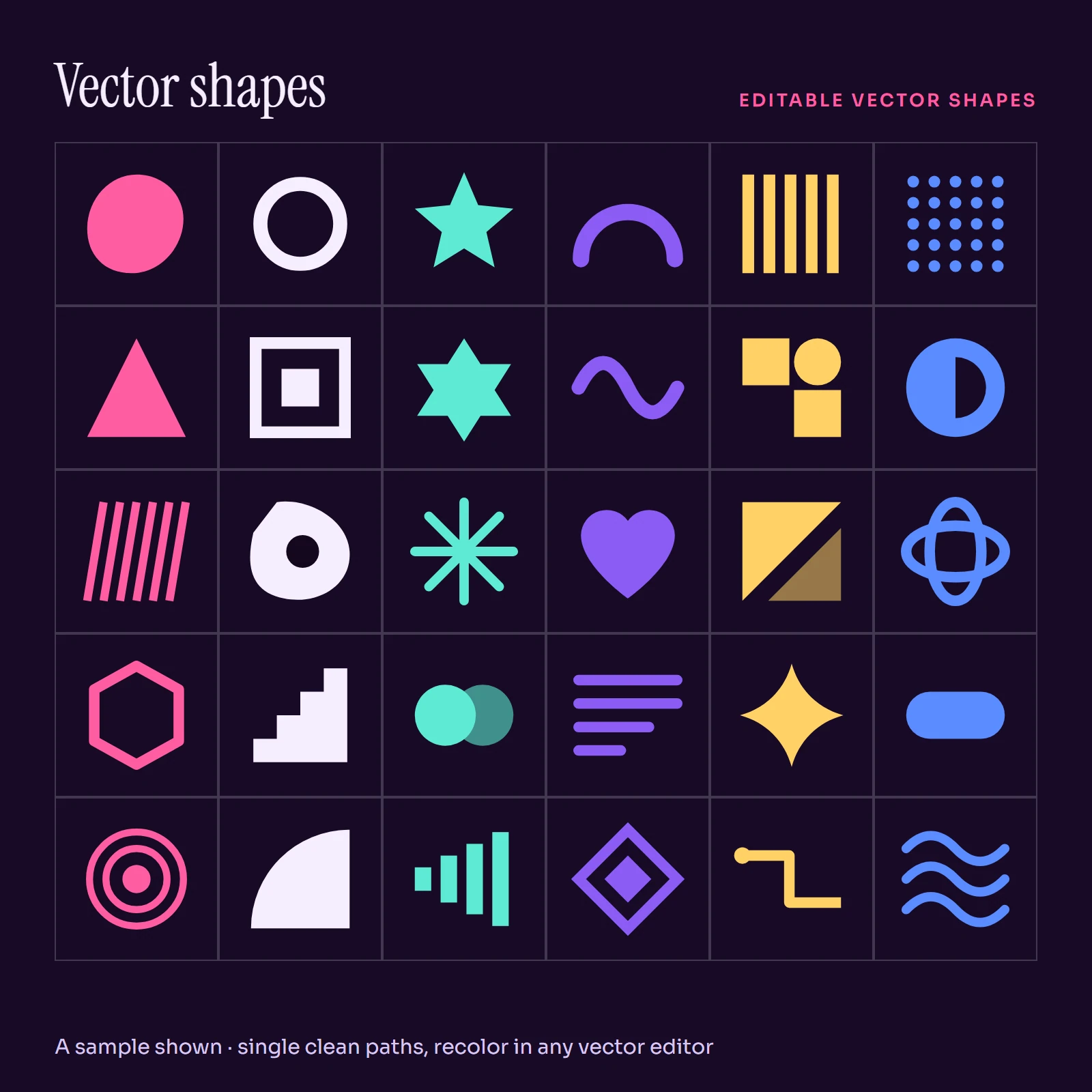
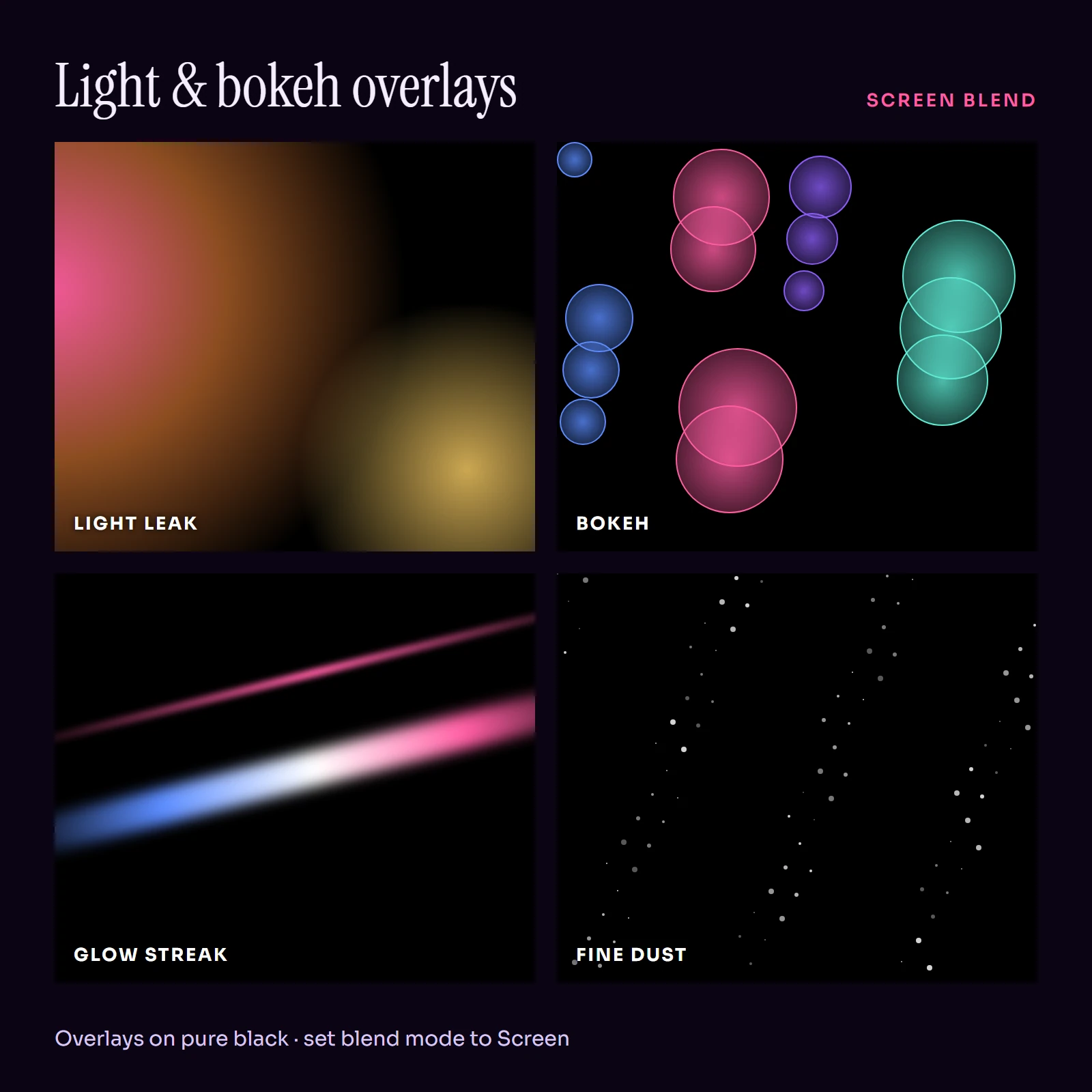
Gradients, paper textures, vector shapes, light overlays and graphic elements for layering under or over your own work.
See the collectionFrom the library
A grid of what is inside.

Why a studio, not a stock site
Packs are drawn as sets, so everything matches.
A single template is easy to find anywhere. A whole set that shares one grid, one type scale and one color logic is harder, and that is what holds a feed or a channel together. Each pack here is designed as a set first, then split into files.
How it works
Four steps from checkout to posted.
- 1
Pick a pack
Every product page shows a preview drawn from the pack designs, with a description of what the pack is for.
- 2
Pay once
One payment per pack, and nothing to renew afterward.
- 3
Download from your dashboard
Sign in and open My Downloads. Ready packs have a download button; others are marked while they are prepared.
- 4
Swap in your words
Replace the placeholder text, drop in your own pictures and export. Backgrounds and shapes layer under or over your work.
Social media kits
Posts, stories and carousels.
In the files
What you actually download.
Each product page describes what the pack is for and how it is organized. This is how the collections differ.
| Collection | Made for | Best used |
|---|---|---|
| Social media kits | Feeds, stories and carousels | Typed over with your own words |
| Thumbnail & cover templates | Video, podcast and channel art | Paired with your own picture |
| Backgrounds & textures | Layering under your work | Behind text or photos |
| Shapes & graphic elements | Decoration and structure | Recolored and resized to fit |
How we build
Six things every pack has to get right.
Built for the platforms
Feed posts, stories, thumbnails and covers are laid out for the places they are posted, with safe areas kept in mind where an app covers part of the frame.
Plain, open files
Files are made to open in whatever editor you already use. Nothing needs a particular app or an online account.
Placeholder words, not final copy
Text is written to show the layout. You type over it; nothing is baked into a picture you cannot change.
Readable when small
Thumbnail and cover titles are sized and contrasted to stay legible in a crowded list.
One-time downloads
Buy a pack once and keep the files. Re-download from your dashboard whenever you need them.
Original artwork
Layouts, shapes and textures are drawn for these packs. No logos, no faces, no third-party brand marks.
About the studio
It started as a shared folder.
Quenlo Creative Media Studio began as a shared folder of layouts that a few video makers, podcasters and small shop owners passed around to save each other an evening of nudging rectangles. The folder kept growing, and each pack had to be tidied up before it could be handed to someone else. This store is that folder, cleaned up and sold one pack at a time.
Read the whole storyQuestions
Before you buy.
What do I get in a pack?
Each pack is a set of finished layouts or raw materials, designed to match one another. The product page describes what the pack is for and how it is organized, and the preview is drawn from the pack designs.
Do I need a specific design app to edit the templates?
No. Template text is placeholder wording that you replace in any image editor that can add text over a picture. Packs that include a font list name the typefaces so you can install the same lettering or choose your own.
Are the layouts made for social posts and video thumbnails?
Yes. Posts, carousels, stories, video thumbnails and podcast covers are laid out for the places they are used, with safe areas kept in mind where an app could cover the text.
Can I use the files in client work and commercial projects?
You may use the finished posts, videos and covers you make in your own projects and for clients. You may not resell, share or redistribute the original template, background or vector files themselves, alone or inside another pack.
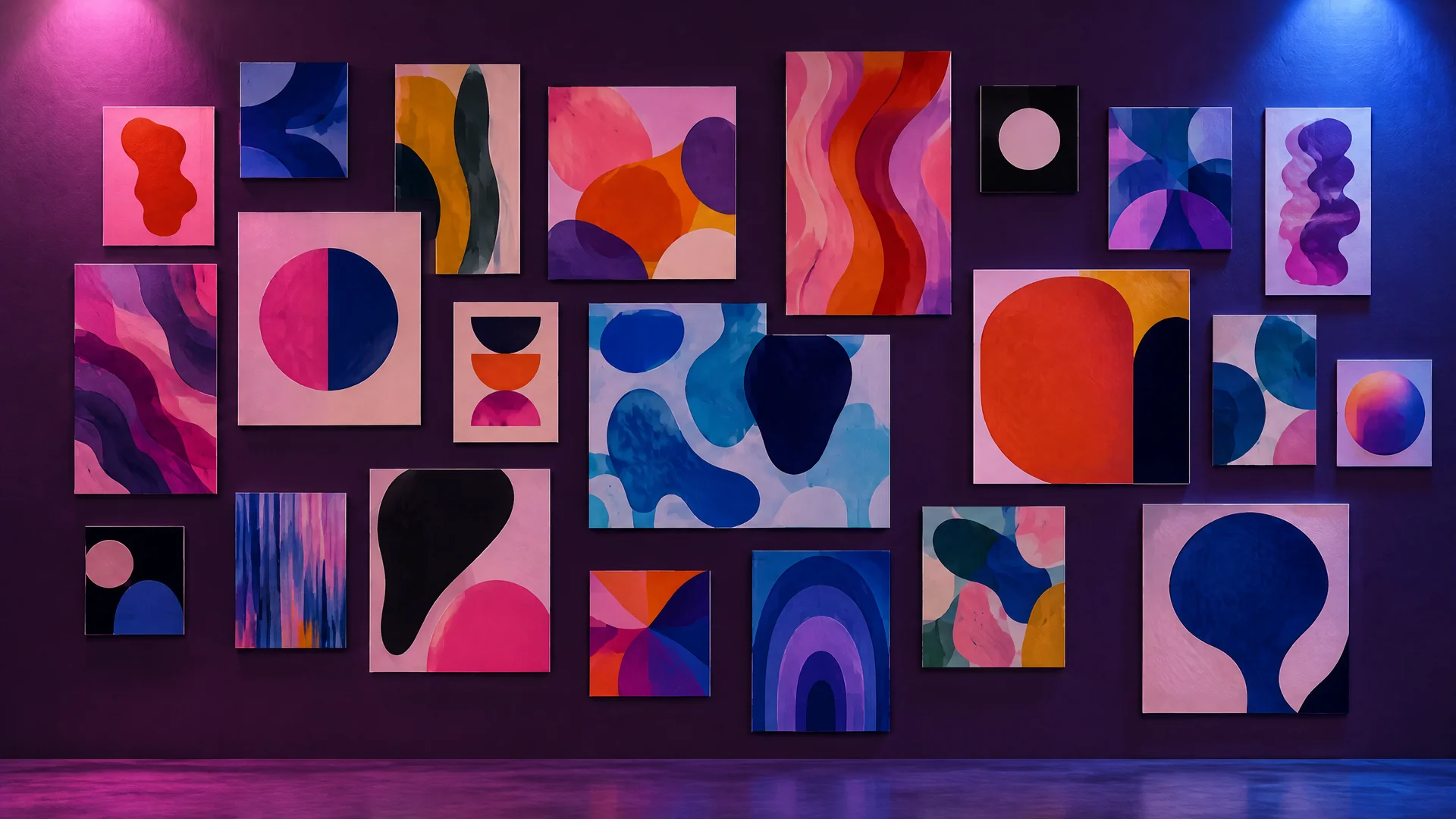
Fill the grid. Keep the files.
Sixteen packs, each a single payment. Pick one and have it posted tonight.
Open the libraryWhy shop with Quenlo Creative Media Studio
Digital delivery
No shipping. Instant digital delivery after payment.
Refunds
Refunds are available within 30 days from the date of purchase. To request one, email support@quenlocreativemediastudio.com.
Cards accepted
Visa and Mastercard. Payment is a one-time payment, no subscription or recurring charges.
Clear billing
Charges appear as QuenloCreativeMediaStu on your statement. Orders are limited to $500.00 per order.
Privacy
Personal information will not be shared with Third Parties.
Real people
Customer service Monday–Friday 9:00 AM–5:00 PM MT: (833) 847-4420 or support@quenlocreativemediastudio.com.
Questions first? Contact us or read the FAQ.
Not sure which pack fits?
Tell us what you are making and our team will point you to the right one.